Skip to main content Start main content

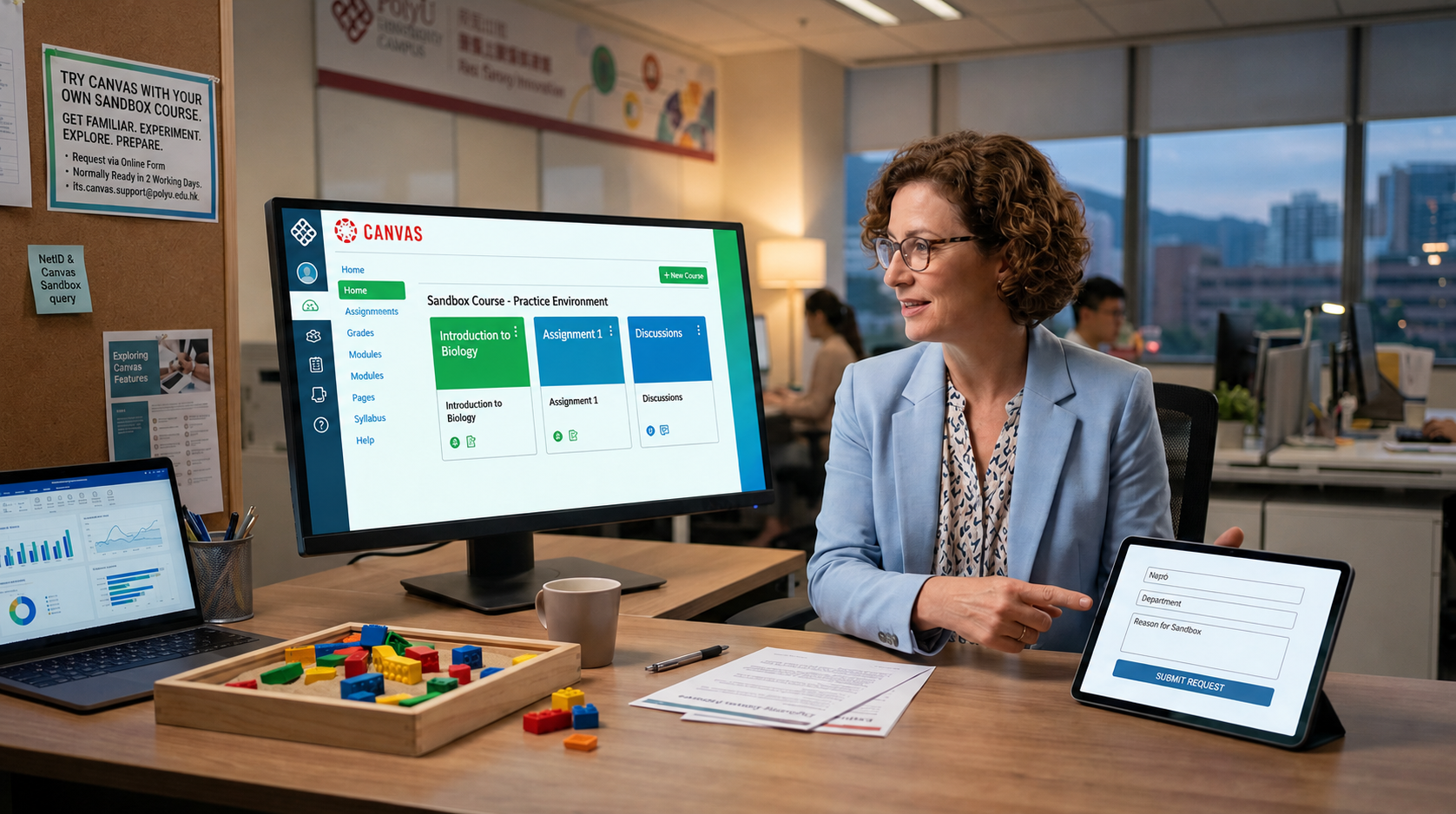
Interested in exploring Canvas before using it for teaching? Staff members can now request a Canvas Sandbox course to try out the new platform in a practice environment.

A Sandbox course allows you to:

  • Get familiar with the Canvas interface
  • Experiment with course content and tools
  • Explore settings and features at your own pace
  • Prepare for future teaching in Canvas


To request a Sandbox course, please complete the online form here:
Request a Canvas Sandbox course.


Important Notes

  • You will receive an email confirmation after submitting the form.
  • Your Sandbox course will normally be ready within 2 working days.
  • Once it is available, you will receive an email from its.canvas.support@polyu.edu.hk.


If you do not receive the confirmation email, please contact the IT HelpCentre Hotline at 2766 5900 during office hours, or submit an enquiry via the IT Online ServiceDesk. When making an enquiry, please mention that it is related to the “Canvas Sandbox” form and include your NetID so we can assist you more quickly.


01


Your browser is not the latest version. If you continue to browse our website, Some pages may not function properly.

You are recommended to upgrade to a newer version or switch to a different browser. A list of the web browsers that we support can be found here