
The University has received an official notice from TeamViewer stating that there have been frequent remote connections originating from the PolyU network using the installed home version of TeamViewer software.
The free version of TeamViewer is strictly for personal, non-commercial use. Using it on the University network for academic purposes violates its license agreement. This infringement of software license rights may impair the University’s reputation and brand image, and may also have financial implications.
Instead, staff and students should use PolyU's University Desktop Sharing (UDS) campus site license for remote desktop connections to department lab machines.
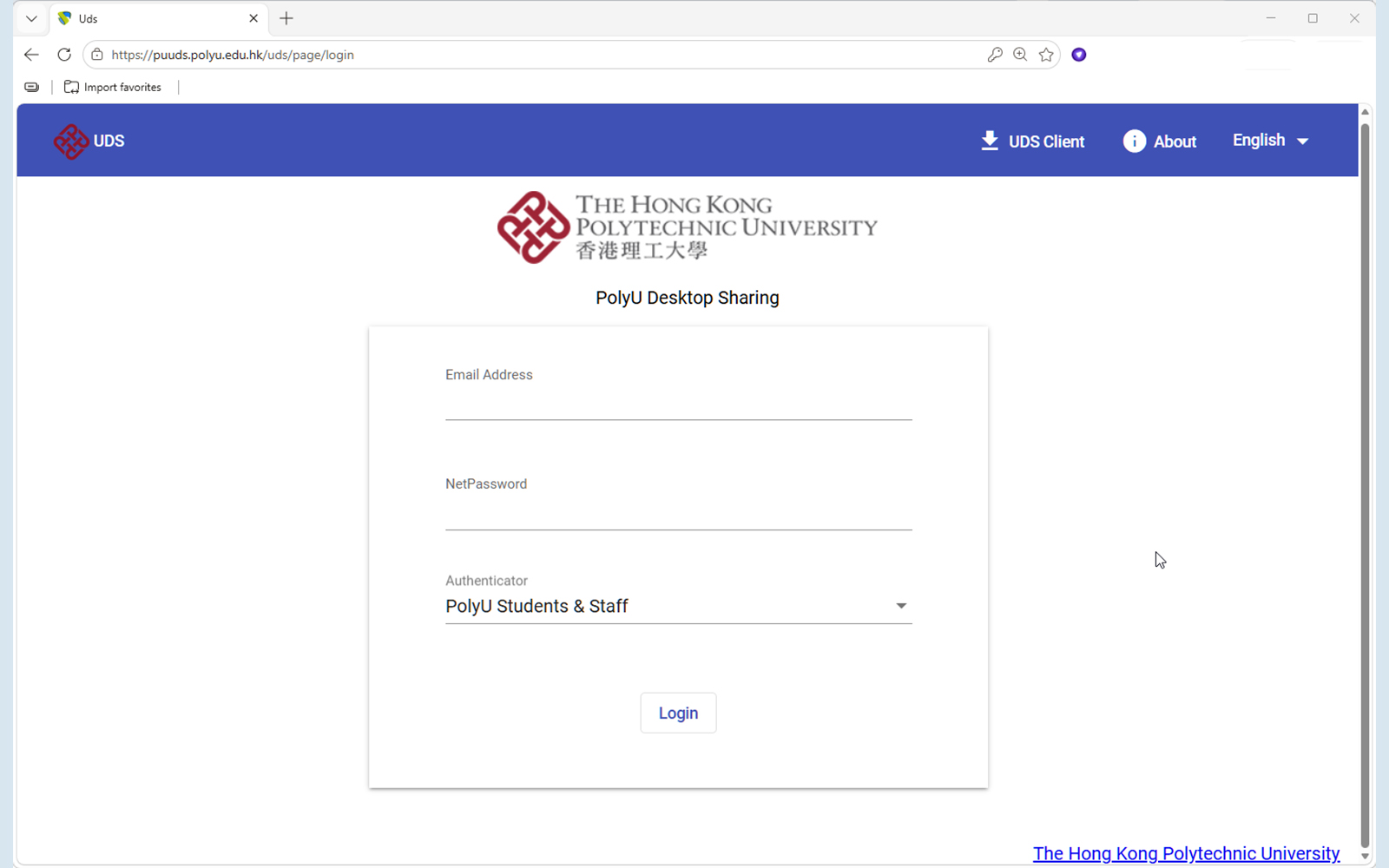
The UDS platform allows students to remotely access software tools provisioned on desktops hosted in the Student Computing Centre (SCC) or departmental computing laboratories. Users can simply use a web browser on their own desktop or notebook computer to access the platform and log in securely using their NetID and NetPassword.
Key Features of UDS:
- Stable Remote Access: Eliminates the sudden disconnections and timeouts experienced with unlicensed software.
- Data Retention: Allows users to download output files directly to the local drive of their remote device.
- Advanced Security: Encrypts traffic between the platform and remote devices via TLS 1.3.
- OS Integration: Supports remote access integration for both Windows and Linux GUIs via RDP.
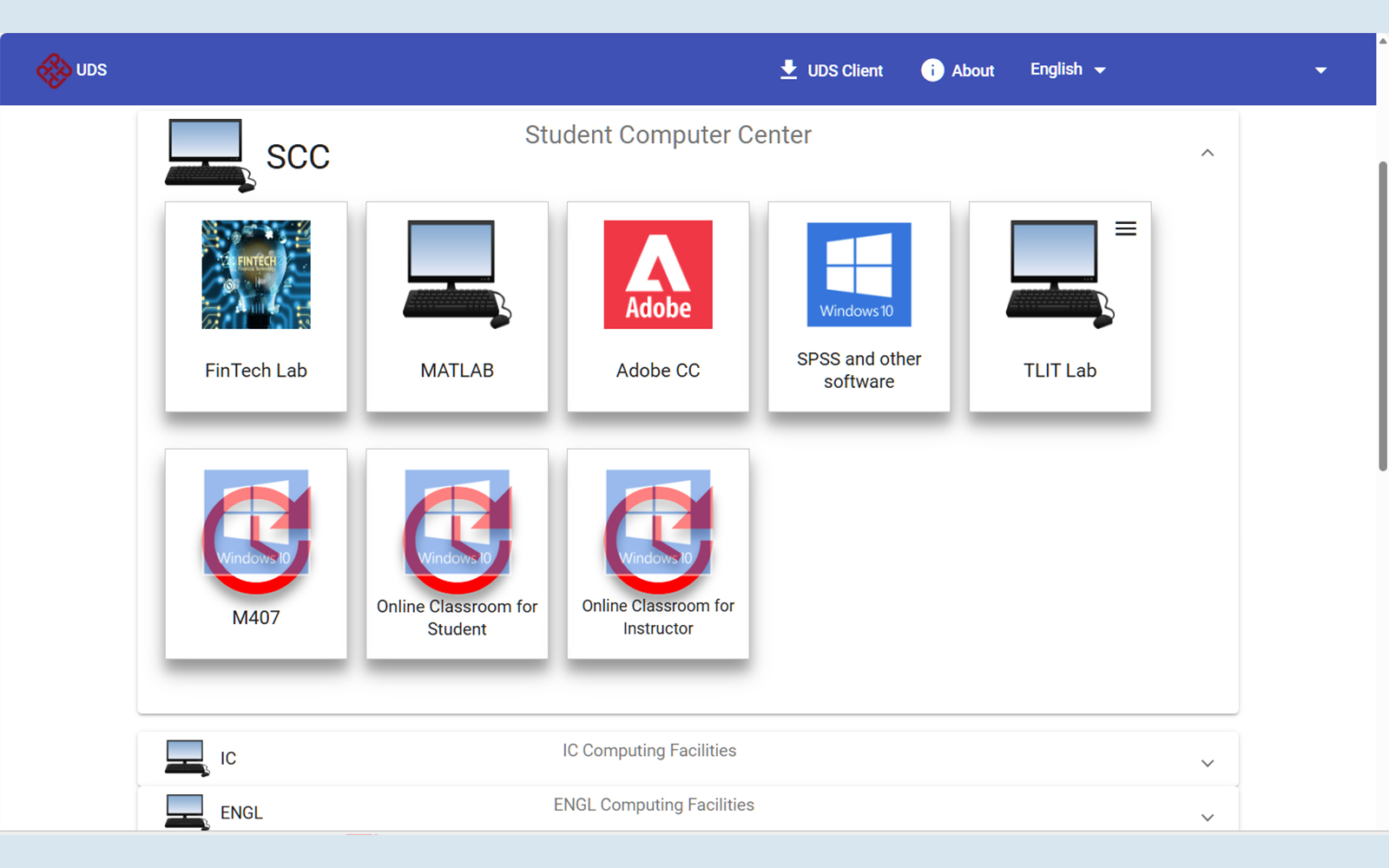
Action Required
Please immediately uninstall all free version of TeamViewer software from University-owned equipment and campus networks. Students can refer to the "Software tools for students" webpage for the full list of software available for direct download and local installation.
Academic departments interested in leveraging the UDS platform to provide remote access to laboratory machines may contact us at Tel: 2766 5900 or WhatsApp/ WeChat: 6577 9669, or reach out via the IT Online ServiceDesk.
