NetOTP is a 6-digit one-time passcode generated by the MS Authenticator app that refreshes every 30 seconds. Compared to using a static NetID password, the dynamic one-time passcode offers better risks containment against unauthorized access resulted from compromised NetID passwords.
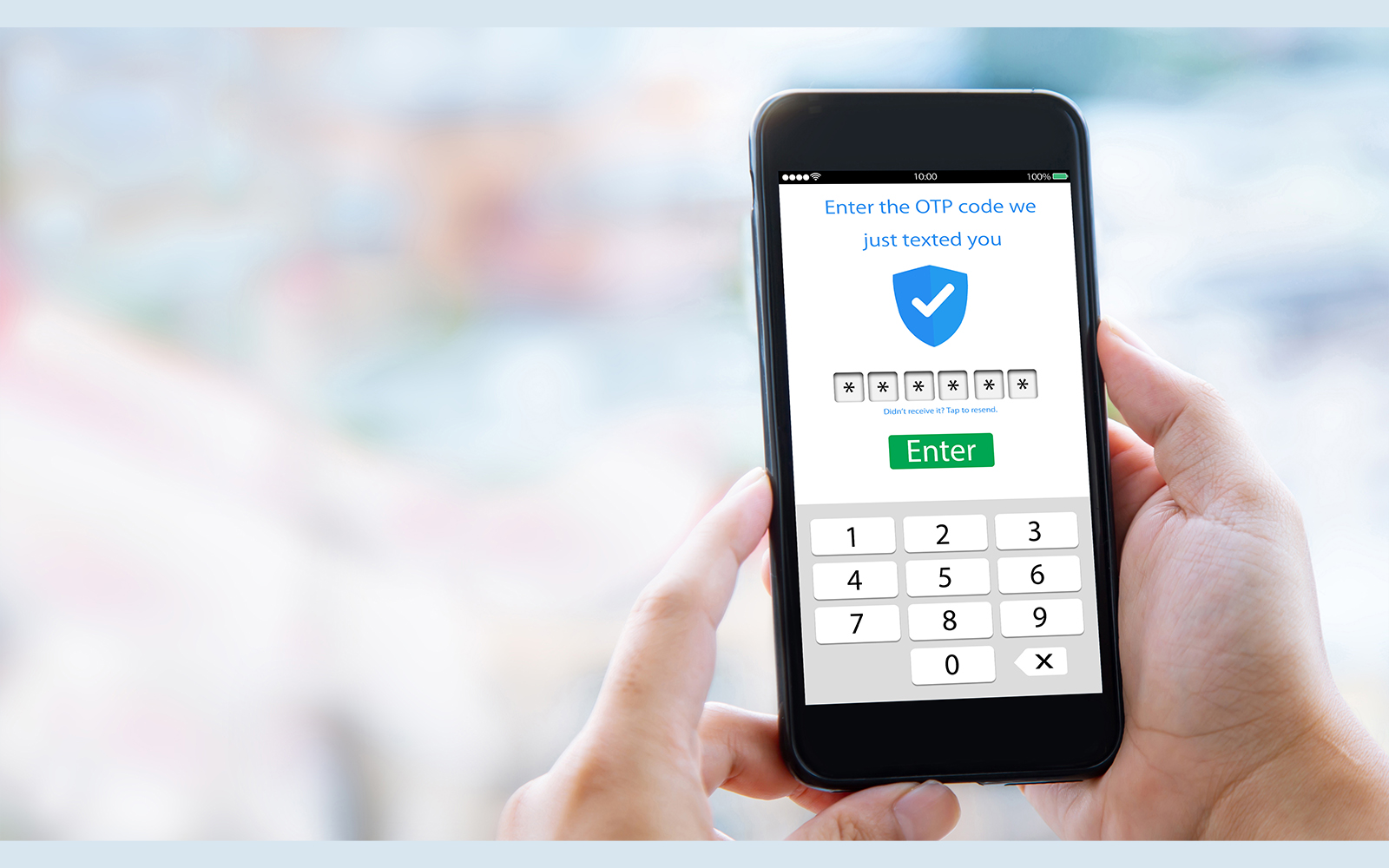
Business administration application owners, who are interested in offering users an alternative login option using the one-time passcode, can contact the IT HelpCentre to include their application on the NetOTP business application support list.
There will be no change required on business administration applications to support the use of NetOTP. All business administration applications that support PolyU Single Sign-On authentication can immediately benefit from this alternate login method upon opting in.
Authorized users of business administration applications will be able to choose between two login options: using the prevailing Net password or using NetOTP. If users select NetOTP* and trust the device browser, they can sign in with the NetOTP generated by the MS Authenticator app. If users choose to continue using the NetPassword, the login experience remains unchanged.
*For first-time use of NetOTP on a browser, users are required to enter both their NetPassword and NetOTP. Once the browser is marked as trusted after a successful login, users will only be required to enter the NetOTP for subsequent logins.
To use NetOTP for login, users must register their personal smartphone using the MS Authenticator app. For details, please refer to the NetOTP Registration Guide.
To download and install the MS Authenticator app, please follow the procedure outlined in the Azure MFA Guide.
If you have already been using the PolyU Global Secure VPN service, you likely already have the MS Authenticator mobile app installed and only need to register your smartphone to use NetOTP.
If you need further information, please contact the IT HelpCentre (Tel: 2766 5900, WhatsApp/ WeChat: 6577 9669) or reach out via the IT Online ServiceDesk.