
Designing a Professional CV and Creating Eye-Catching Reports with Canva and Affinity
Workshop/ Training/ Webinar
Workshop for Students
-
Date
22 Dec 2025
-
Organiser
ITS
-
Time
15:00 - 16:30
-
Venue
Online
Enquiry
IT HelpCentre (Hotline) 2766 5900 / (WhatsApp/ WeChat) 6577 9669
Summary
Date: 22 Dec 2025 (Mon)
Time: 15:00 - 16:30
Venue: Online
Target Audience: All students
Medium of Instruction: Cantonese
Summary
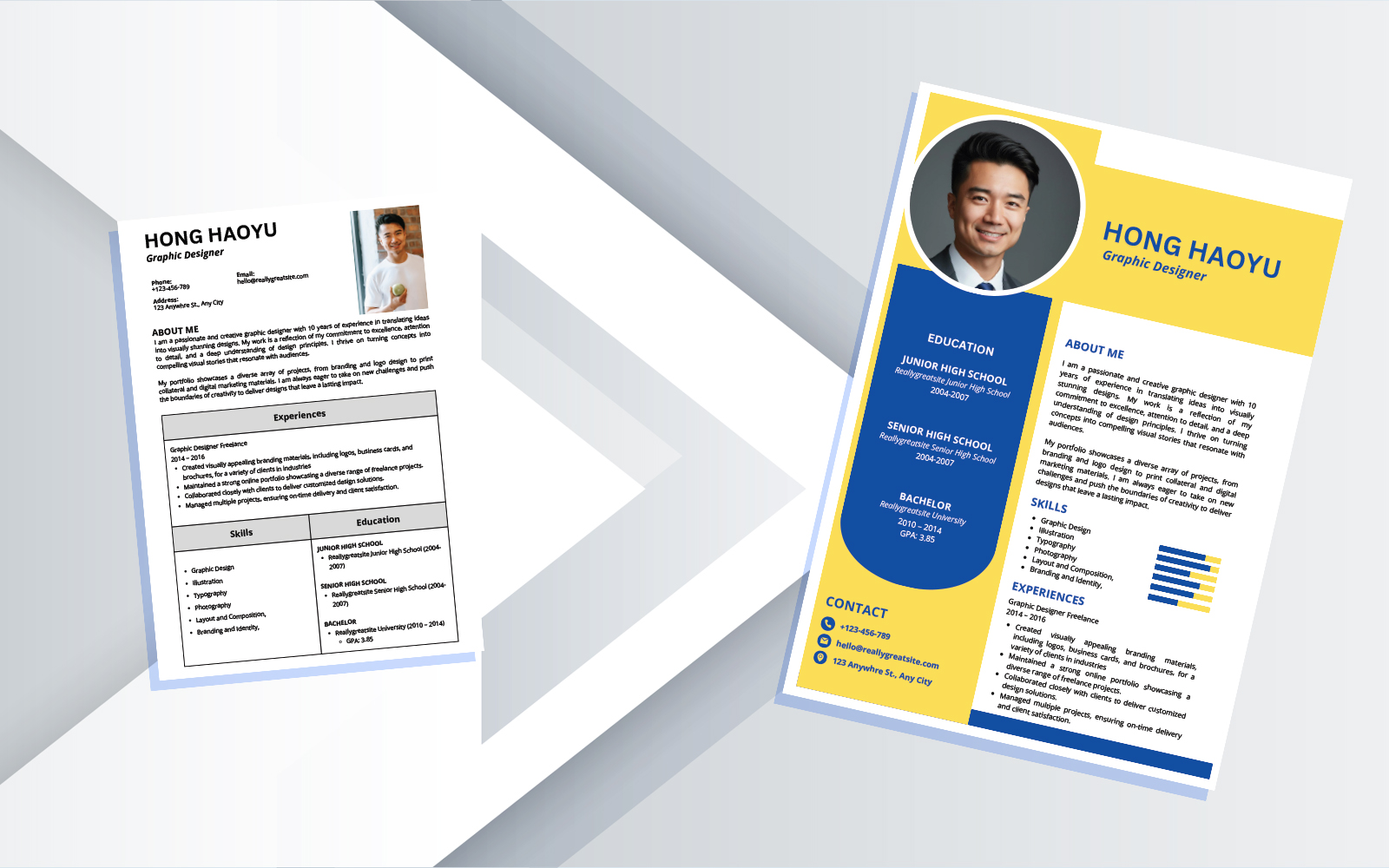
Join this hands-on workshop to learn how to transform your CV and written reports into professional, visually appealing documents. We will explore how to use Canva to design a standout CV that highlights your skills and experience, and how to leverage Affinity to create polished, structured reports.
You will discover practical techniques for customizing templates, adding visual elements, and applying design principles that make your work stand out. Whether you are preparing for job applications or academic projects, this workshop will equip you with tools and strategies to present your content with impact.
Workshop Objective
This workshop aims to equip students with practical skills to design a professional CV using Canva and create polished reports using Affinity. The workshop combines demonstrations with guided practice, ensuring participants can apply what they learn immediately.
What You Will Learn
- How to find and customize CV and resume templates in Canva
- Techniques for editing content and adding interactive elements to showcase skill levels
- Methods for transforming casual photos into a more professional ID photos
- Step-by-step guidance on creating structured, visually appealing reports in Affinity
- Key functions in Affinity to achieve a polished look
- Exporting and saving your work in various formats
Agenda
- Introduction
- Why design matters in CVs and reports
- Overview of Canva and Affinity
- Setup and access to Canva and Affinity
- Designing a Professional CV with Canva
- Finding and selecting CV templates
- Editing content and layout
- Creating a more professional ID photos
- Hands-on practice
- Creating Eye-Catching Reports with Affinity
- Getting started with Affinity
- Editing and formatting text content
- Organizing document structure and navigation elements
- Enhancing reports with visual and layout adjustments
- Applying design tools for better structure and organization
- Preparing your report for sharing
- Hands-on practice
- Resources, and Q&A
- Additional resources for learning
- Q&A
